
Breville Barista Express Error Codes & Lights Explained (CLEAN ME, Flashing Buttons, Resets)
 By Marco R. · Lead repair technician Updated June 17, 2026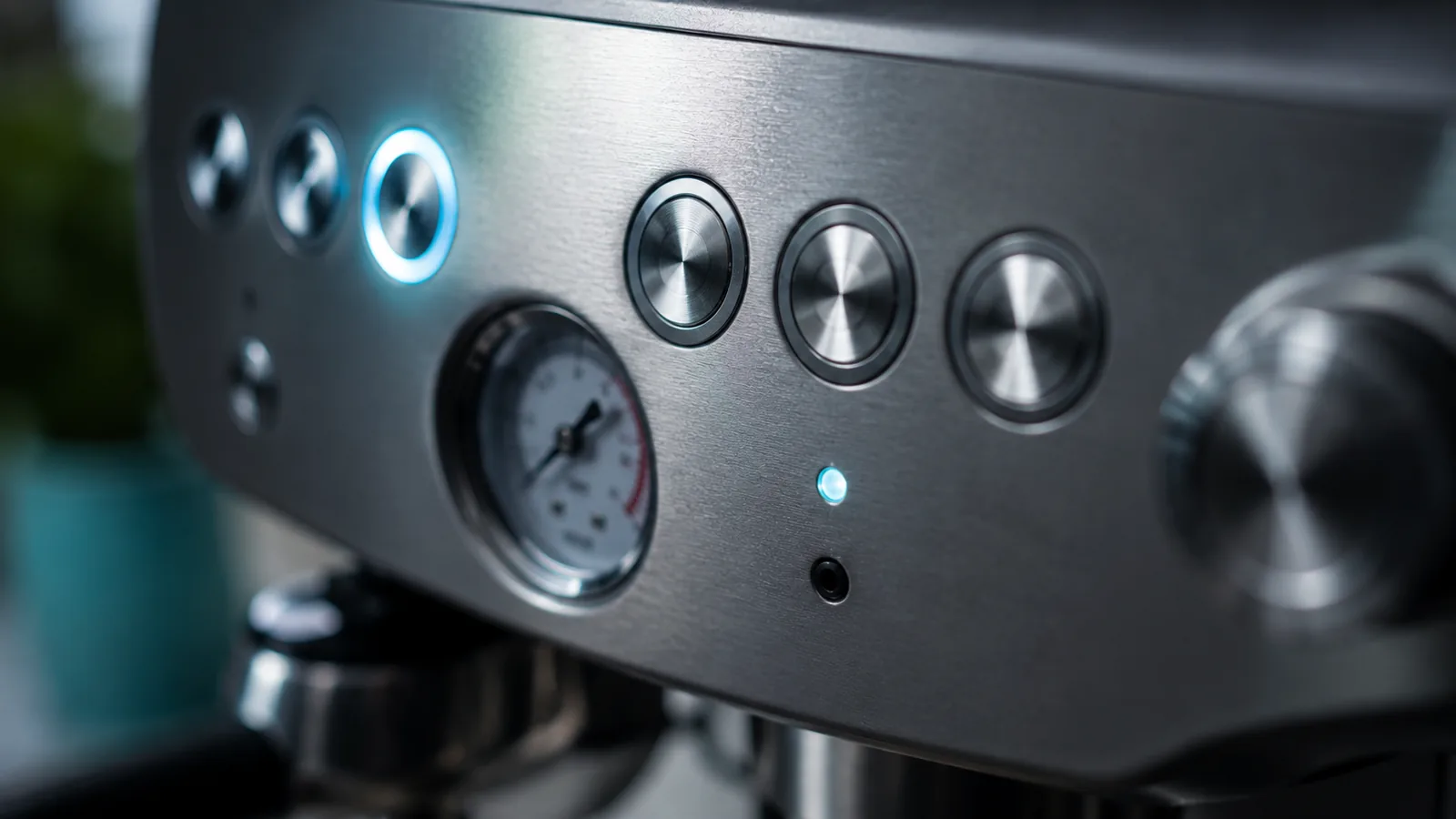
The Barista Express doesn’t show numbered error codes the way a bean-to-cup automatic does. Instead it talks to you in lights — and the good news is that most of what looks alarming is the machine asking for routine care, not telling you it’s broken. Let’s decode the panel.
Quick reference: what each light means
| What you see | What it means | What to do |
|---|---|---|
| CLEAN ME light glowing | Service reminder (~every 200 shots) | Run a cleaning-tablet cycle |
| 1-CUP / 2-CUP flashing | Heating up or mid-cycle | Wait for steady lights |
| All buttons flashing / cycling on startup | Overheat / safety reset | Power off, cool 30–60 min, restart |
| Buttons flash rapidly, no function | Thermal cut-out tripped | Cool down and power-cycle |
| Power light on, nothing responds | Control glitch | Unplug 1 minute, restart |
| No lights at all | Power fault | See “won’t turn on” |
The CLEAN ME light
What it is: Not an error — a maintenance reminder that appears after roughly 200 shots. The machine wants a backflush.
What to do:
- Drop a Breville cleaning tablet into the grey silicone cleaning disc.
- Put the disc in the 1-cup dual-wall basket, lock in the portafilter, and empty the drip tray.
- Run the clean cycle per the manual (it’s a button hold). The cycle pushes water back through the group to clear oils.
- The light goes out when the cycle completes.
All buttons flashing on startup (the overheat reset)
Why it happens: If the machine overheats — long back-to-back steaming, or the tank running dry — a safety circuit halts everything and flashes the buttons to tell you so. It’s protecting itself.
The fix:
- Switch off at the power button and unplug.
- Leave it to cool for 30–60 minutes — genuinely cool, not five minutes.
- Make sure the tank is full and seated, plug back in and switch on.
Nine times out of ten it starts normally. If it trips again immediately after cooling, that points to a sensor or thermal component (see below).
Rapid flashing that won’t clear
Why it happens: A thermal cut-out has tripped and isn’t resetting on a quick power cycle, or the machine has lost its temperature reference.
The fix: Full power-down — off, unplug, cool completely. Then restart. If it still flashes and refuses to heat or pull a shot after a proper cool-down, the issue is likely a thermal fuse or temperature sensor, which is a service-level repair rather than a user reset.
Shot lights flashing (this one’s normal)
If the 1-CUP and 2-CUP buttons are flashing, the machine is simply heating to temperature or is part-way through a cycle. Wait for the lights to hold steady, then pull your shot. This isn’t an error at all — it catches out a lot of new owners.
Nothing lights up
If there’s no response and no lights whatsoever, this isn’t a “code” — it’s a power problem. Work through the won’t-turn-on guide, starting with the outlet and a possible tripped thermal cut-out.
Repair or replace?
Light “errors” almost never justify replacement. Cleaning reminders and overheat resets are free to clear. Only a thermal fuse, sensor or control board that fails to reset after a proper cool-down is a real repair — and even then, on a machine under ~7 years old it’s usually worth fixing. Weigh the quote against a new machine using our repair-or-replace maths on the hub.
Stop the lights coming back
- Run the clean cycle as soon as CLEAN ME appears.
- Don’t steam back-to-back for long stretches without a pause.
- Keep the tank topped up so it never runs dry mid-use.
Free: the Espresso Fix-It Cheat Sheet (PDF)
The 1-page printable that takes any fault to its cause, plus the maintenance schedule that prevents most breakdowns. Straight to your inbox.
By subscribing you agree to receive emails from BaristaFix and to our Privacy Policy. No spam — unsubscribe anytime.Frequently asked questions
What does the CLEAN ME light mean on a Barista Express?
All the buttons are flashing and it won't pull a shot. What now?
The 1-CUP and 2-CUP lights are flashing — is that an error?
How do I reset my Barista Express?
Marco spent twelve years servicing espresso machines — first behind the bench at a specialty café group, then running his own repair workshop. He has stripped down, fixed and reassembled everything from a battered Gaggia Classic to high-end Swiss automatics. He writes the fixes here only after reproducing the fault on a real machine, and he'll always tell you when a repair isn't worth the money.