
De'Longhi Magnifica S Lights & Alarms Explained (and How to Clear Them)
 By Marco R. · Lead repair technician Updated June 17, 2026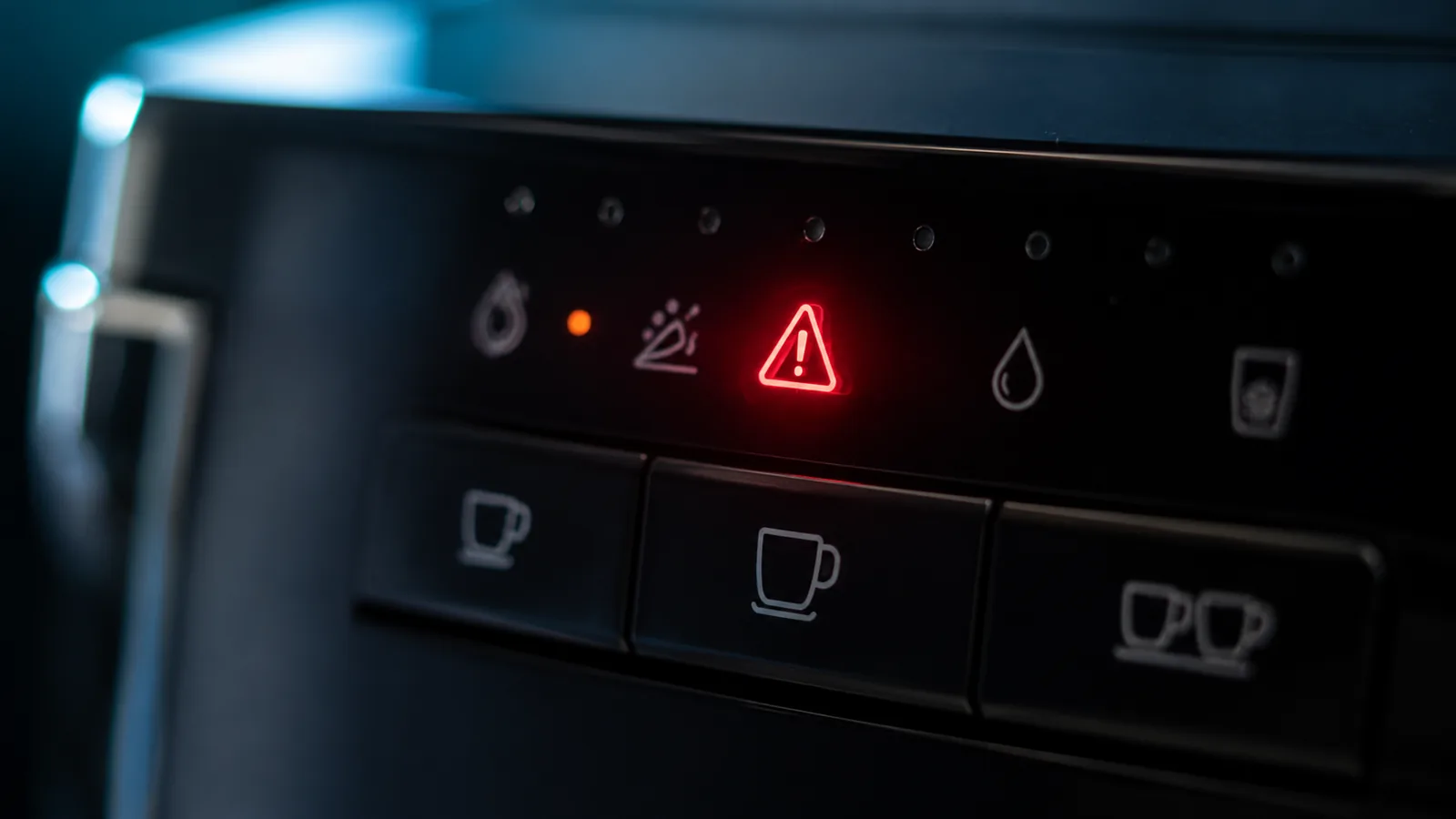
The Magnifica S doesn’t show numbered error codes — it uses a row of icon lights, and once you know what each one is asking for, the machine becomes easy to read. Most “errors” are routine requests: descale me, refill me, empty me, or reseat the brew unit. Here’s the full key.
Quick reference: Magnifica S lights
| Light / icon | What it means | What to do |
|---|---|---|
| Descale (CALC) | Scale build-up; descale due | Run the descale cycle |
| General alarm (warning triangle) | Brew unit missing / wet / not seated, or door open | Reseat brew unit, close door firmly |
| Tank / fill steady | Tank empty or not seated | Refill, reseat, prime via hot-water spout |
| Grounds / tray | Grounds container or drip tray full or removed | Empty and refit both |
| Beans / grind | Out of beans or grinder issue | Refill beans; if pre-ground, check setting |
| Single/double cup, steam | Normal selection/heating indicators | No action — operational |
The descale (CALC) light
What it is: A maintenance reminder, not a breakdown — scale has reached the point where the machine wants cleaning out.
What to do: Run the descale cycle with a De’Longhi-compatible descaler, following the panel prompts (it walks you through filling, running and rinsing). Don’t ignore it: left long enough, scale moves from “reminder” to “no coffee.” See our descaling guide.
The general alarm light
Why it happens: This catch-all warning most commonly means the brew unit isn’t where it should be — it’s been removed, gone back in damp, isn’t clicked home, or the service door isn’t shut properly.
The fix:
- Open the side service door (the machine should acknowledge the door).
- Press the two release tabs and remove the brew unit; if it’s wet, rinse under warm water and let it drain.
- Push it back until it clicks, then close the door firmly.
- The alarm should clear. If it persists, see not making coffee for deeper brew-unit issues.
The fill-tank light that won’t go out
Why it happens: The tank isn’t seated so its valve doesn’t open, or air is trapped in the circuit after the tank ran dry.
The fix: Reseat the tank with a firm, straight push. Then turn the steam/hot-water dial and run the spout until water flows steadily — that purges the airlock and clears the light.
Grounds and drip-tray icons
Why it happens: The machine counts pucks and tracks the tray. When the grounds container or drip tray is full — or removed and not refitted — it stops and lights the icon to protect itself.
The fix: Empty the grounds container and the drip tray, then refit both fully. Refitting a damp tray without seating it properly is a common reason the icon stays on.
Flashing patterns you don’t recognise
Why it happens: Combinations of flashing icons indicate specific states (and occasionally a genuine fault).
The fix: Note exactly which icons are lit and whether they’re steady or flashing, and match them to your manual’s light key. Try a power-cycle first — off, unplug for a minute, back on — which clears transient electronic glitches. If a specific combination persists after that and after the routine steps above, it points to a sensor or internal fault worth a service visit.
Repair or replace?
Light “errors” almost never mean a broken machine — they’re maintenance requests. Descaling, reseating the brew unit, refilling and emptying clear the vast majority for free. Only a persistent fault that survives every routine step and a power-cycle is a real repair, usually a sensor-level service rather than a reason to replace.
Stop the lights coming back
- Rinse the brew unit weekly and always click it home.
- Empty grounds and tray before they fill.
- Descale on schedule and set the correct water hardness.
Free: the Espresso Fix-It Cheat Sheet (PDF)
The 1-page printable that takes any fault to its cause, plus the maintenance schedule that prevents most breakdowns. Straight to your inbox.
By subscribing you agree to receive emails from BaristaFix and to our Privacy Policy. No spam — unsubscribe anytime.Frequently asked questions
What does the descale (CALC) light mean on a Magnifica S?
The general alarm light is on and it won't make coffee — why?
Why does the fill-tank light stay on when the tank is full?
Lights are flashing in a pattern I don't recognise — what now?
Marco spent twelve years servicing espresso machines — first behind the bench at a specialty café group, then running his own repair workshop. He has stripped down, fixed and reassembled everything from a battered Gaggia Classic to high-end Swiss automatics. He writes the fixes here only after reproducing the fault on a real machine, and he'll always tell you when a repair isn't worth the money.