
Jura E8 Error Messages Explained: Clean, Descale, Filter & Fixes
 By Marco R. · Lead repair technician Updated June 18, 2026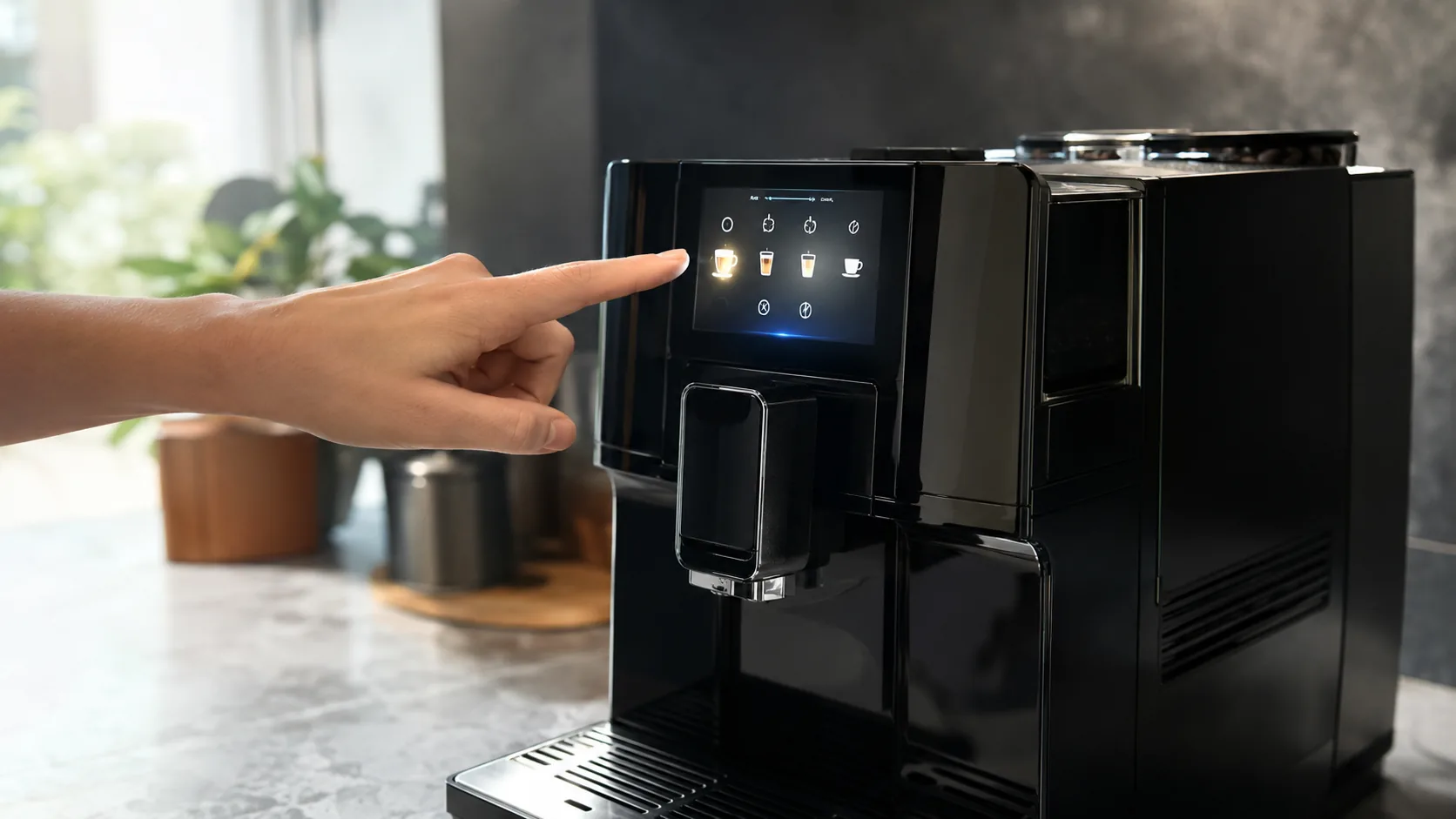
The Jura E8 doesn’t do blinking-light riddles — it has a colour screen that tells you, in words, exactly what it wants. That’s a blessing, because almost everything the E8 “complains” about is routine maintenance, not a breakdown: fill this, empty that, run a clean, run a descale, change the filter. The skill isn’t decoding cryptic codes; it’s knowing what each program actually does and trusting the machine to guide you through it.
There’s one important thing to understand about the E8 that shapes every fix here: its brew unit is sealed inside and cleans itself. Unlike a Philips or De’Longhi, you never pull it out to rinse it — you run a cleaning program with a tablet instead. So your toolkit is the maintenance menu, not a screwdriver.
How the E8 talks to you
Each message maps to one action. Handle them promptly and the machine simply keeps working:
Quick diagnosis
| Screen message | What it means | What to do |
|---|---|---|
| Fill water tank | Tank empty / not seated / air | Refill & reseat (Cause 1) |
| Empty grounds container | Puck bin full | Empty with machine on (Cause 2) |
| Insert drip tray | Tray/container not detected | Refit the tray (Cause 2) |
| Fill beans | Hopper empty / not feeding | Refill the hopper (Cause 3) |
| Clean machine | Cleaning due | Run cleaning program + tablet (Cause 4) |
| Descale / Decalc | Scale removal due | Run descaling program (Cause 5) |
| Change filter | CLEARYL exhausted | Fit & activate new filter (Cause 6) |
| Error (generic) | Internal fault | Power-cycle, then service (Cause 7) |
Cause 1 — “Fill water tank” (even when it looks full)
What it looks like: The tank prompt won’t clear, sometimes with a full tank.
Why it happens: The tank isn’t seated so its float/contacts aren’t read, the float is scaled or stuck, or there’s air in the system after a filter change.
The fix: Remove and firmly reseat the tank, check the float moves freely, and clean any scale around the contacts. If you just changed the CLEARYL filter, run water through to clear trapped air — full steps are in the not-pumping-water guide.
Cause 2 — “Empty grounds container” / “Insert drip tray”
What it looks like: The machine asks you to empty grounds or insert the tray, sometimes when it doesn’t look full.
Why it happens: The E8 counts pucks and only registers emptying if you remove the container while the machine is on. The drip tray has contacts that must be detected.
The fix: With the machine switched on, pull out the drip tray and grounds container, wait a few seconds, then refit them squarely so the counter resets and the tray is detected. Emptying while off won’t register.
Cause 3 — “Fill beans”
What it looks like: The bean prompt appears, sometimes with beans still in the hopper.
Why it happens: The hopper is empty, or oily beans have bridged above the grinder.
The fix: Refill the hopper; if it’s full, give it a gentle shake to break a bridge and prefer fresher, less oily beans. Persistent grinding problems are a grinder issue rather than a simple prompt.
Cause 4 — “Clean machine” (the cleaning program)
What it looks like: The E8 asks for a clean after a couple of hundred coffees.
Why it happens: Coffee oils build up in the sealed brew unit and need flushing — the machine does this itself with a tablet.
The fix:
- Open the maintenance menu and select Clean.
- Drop in a genuine Jura 2-phase cleaning tablet when prompted.
- Place a container under the spout and let the 15–20 minute cycle finish completely.
Cause 5 — “Descale” (only without a filter)
What it looks like: A descaling prompt appears.
Why it happens: The machine has tracked enough water to need scale removal — but only if no recognised CLEARYL filter is active (with a filter, it never asks).
The fix: Run the descaling program from the maintenance menu with genuine Jura descaling tablets dissolved in the tank, with a container under the spout and frother. Don’t interrupt it. See our descaling guide.
Cause 6 — “Change filter” (CLEARYL)
What it looks like: The screen asks for a new water filter.
Why it happens: The CLEARYL cartridge is exhausted.
The fix: Fit a genuine CLEARYL filter and activate it in the menu so the machine recognises it and resets the counter. Use only genuine cartridges — the E8 needs to recognise the filter to skip descaling.
Cause 7 — Generic “Error” (the real fault)
What it looks like: A non-specific error blocks brewing and no maintenance prompt explains it.
Why it happens: This usually points to the sealed internal mechanism — most often the brew unit — rather than something you can top up or clean.
The fix:
- Power-cycle: off, unplug for a minute, back on, with tank, tray and grounds container all seated.
- If a maintenance prompt appears, complete that program.
- If the generic error persists, contact Jura service — the brew unit is not user-removable, so this isn’t a DIY repair. In warranty, call Jura first.
Common mistakes that make it worse
- Emptying the grounds container with the machine off, so it never registers.
- Trying to open or remove the sealed brew unit — it’s not designed to come out.
- Using non-genuine tablets or filters, so programs misbehave or the filter isn’t recognised.
- Interrupting a cleaning or descaling cycle partway through.
- Ignoring ‘Descale’ or ‘Change filter’ until scale damages the machine.
Repair or replace?
The everyday “errors” are all owner-handled maintenance — fill, empty, clean, descale, change filter — and cost only consumables. That’s the whole point of the E8’s screen. The exception is a true internal fault behind a generic ‘Error’: because the brew unit is sealed, that’s a Jura service job, not a parts swap you do at home. Given the machine’s value, a service repair is usually worth it over replacing — but always run the maintenance programs and a power-cycle first, since they clear the vast majority of messages.
Stop it happening again
- Act on each prompt promptly — fill, empty, clean, descale, change filter as asked.
- Empty the grounds container with the machine on so it registers.
- Run a CLEARYL filter to skip descaling and protect against scale.
- Use only genuine Jura tablets, descaler and filters.
- Rinse the milk system daily and let every maintenance cycle finish.
Free: the Espresso Fix-It Cheat Sheet (PDF)
The 1-page printable that takes any fault to its cause, plus the maintenance schedule that prevents most breakdowns. Straight to your inbox.
By subscribing you agree to receive emails from BaristaFix and to our Privacy Policy. No spam — unsubscribe anytime.Frequently asked questions
What do the messages on my Jura E8 mean?
My Jura E8 says clean the machine — how do I do it?
How do I descale a Jura E8?
My Jura E8 says 'fill water tank' but it's full — why?
How do I reset my Jura E8?
My Jura E8 shows 'Error' and won't make coffee — what now?
Do I need a CLEARYL filter in my Jura E8?
Marco spent twelve years servicing espresso machines — first behind the bench at a specialty café group, then running his own repair workshop. He has stripped down, fixed and reassembled everything from a battered Gaggia Classic to high-end Swiss automatics. He writes the fixes here only after reproducing the fault on a real machine, and he'll always tell you when a repair isn't worth the money.