
De'Longhi Warning Lights & Alarms Explained (Magnifica, Dinamica, Dedica)
 By Marco R. · Lead repair technician Updated June 18, 2026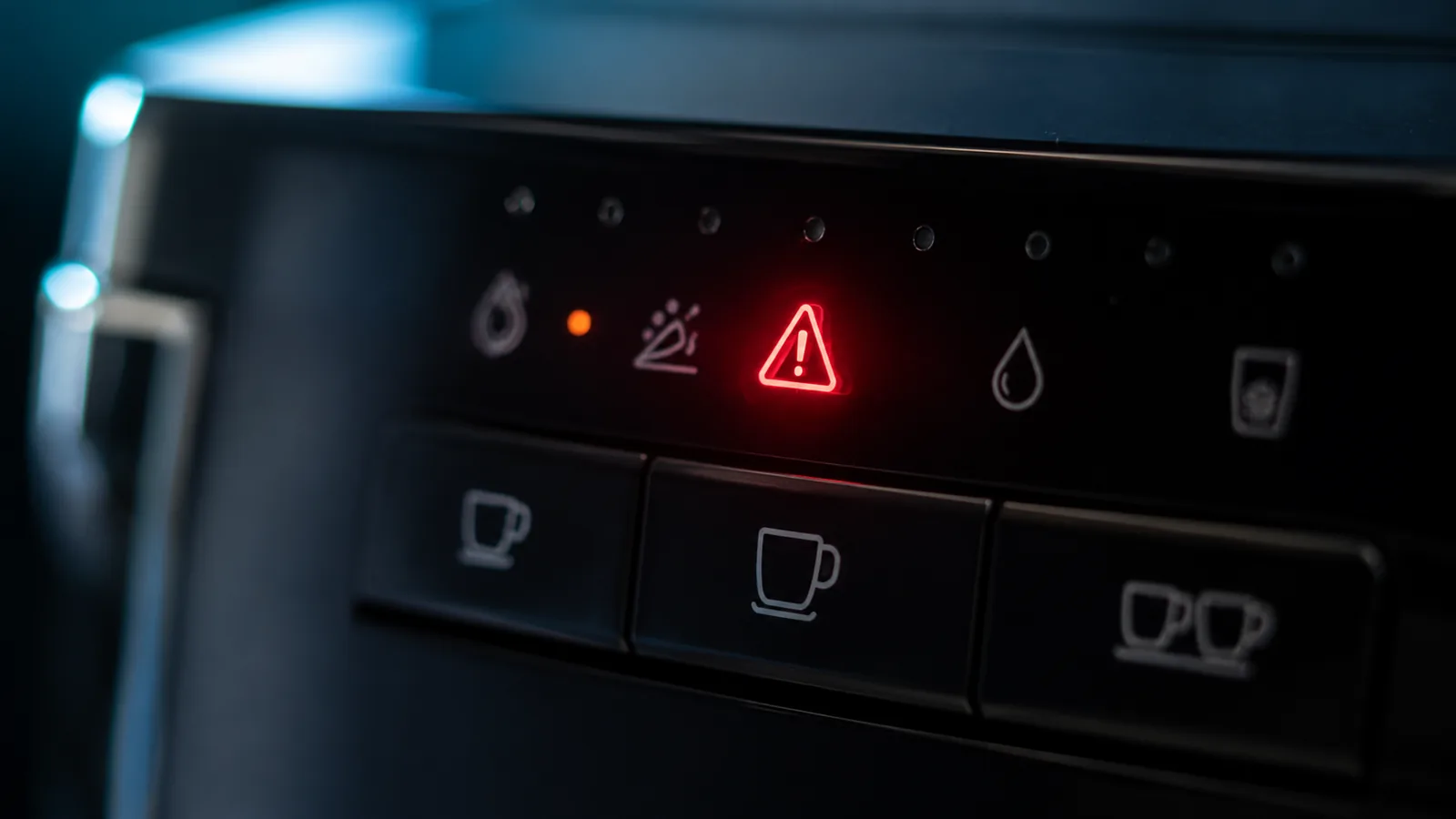
De’Longhi spans simple pump machines (Dedica) and bean-to-cup automatics (Magnifica, Dinamica), so its “errors” come as warning lights, icons and flashing rings rather than codes. The reassuring part: almost all of them are prompts — descale, refill, or attend to the brew unit — not breakdowns. This guide covers the De’Longhi language across the range; for exact steps, jump to your model.
The light language
| Signal | Usually means | Do this |
|---|---|---|
| Descale light | Scale removal due | Run descale cycle |
| General / flashing alarm (automatics) | Brew unit / drawer issue | Reseat & rinse brew unit |
| Water icon | Tank empty / unseated | Refill & seat |
| Beans icon | Out of beans / bridging | Refill, shake hopper |
| Grounds icon | Puck bin full | Empty with machine ON |
| Dedica buttons flashing | Heating or descale/fault | Wait, or reset |
The descale alarm
The most common De’Longhi alert. Run the descale cycle with proper descaler, through both the coffee and steam/hot-water paths, then rinse well. De’Longhi thermoblocks scale easily, so don’t put it off. (Full method: descaling guide.)
The brew-unit alarm (automatics)
On the Magnifica and other automatics, a general or flashing-ring alarm usually means the removable brew unit isn’t seated, is missing, or needs cleaning — or the grounds drawer/drip tray isn’t in place:
- Switch off and remove the brew unit.
- Rinse it under the tap (no detergent) and let it drain.
- Check the grounds drawer and drip tray are seated.
- Refit the brew unit until it clicks.
The Dedica’s button language
The slim Dedica has no screen — its three backlit buttons carry everything: heating (flash then steady), steam heating (steam button flashing), a descale pattern, and an all-flashing fault (usually a dry/unseated tank → reset and prime). See the Dedica guide for exact patterns.
Common mistakes
- Ignoring the descale light on a scale-sensitive thermoblock.
- Emptying grounds with the machine off, so it never registers.
- Not clicking the brew unit fully in.
- Restarting a dry Dedica without refilling, so the fault returns.
- Using vinegar instead of proper descaler.
Decode your model
For the full, model-specific steps, see the Magnifica S warning-lights guide and the Dedica buttons guide, or browse other brands on the error codes page.
Free: the Espresso Fix-It Cheat Sheet (PDF)
The 1-page printable that takes any fault to its cause, plus the maintenance schedule that prevents most breakdowns. Straight to your inbox.
By subscribing you agree to receive emails from BaristaFix and to our Privacy Policy. No spam — unsubscribe anytime.Frequently asked questions
What does the descale light mean on a De'Longhi?
Why is my De'Longhi Magnifica flashing all its lights / showing a general alarm?
My De'Longhi says empty grounds but it's not full — why?
What do the flashing buttons on my De'Longhi Dedica mean?
How do I reset a De'Longhi coffee machine?
Marco spent twelve years servicing espresso machines — first behind the bench at a specialty café group, then running his own repair workshop. He has stripped down, fixed and reassembled everything from a battered Gaggia Classic to high-end Swiss automatics. He writes the fixes here only after reproducing the fault on a real machine, and he'll always tell you when a repair isn't worth the money.