
Nespresso Vertuo Blinking Light Codes Explained (and How to Clear Them)
 By Marco R. · Lead repair technician Updated June 17, 2026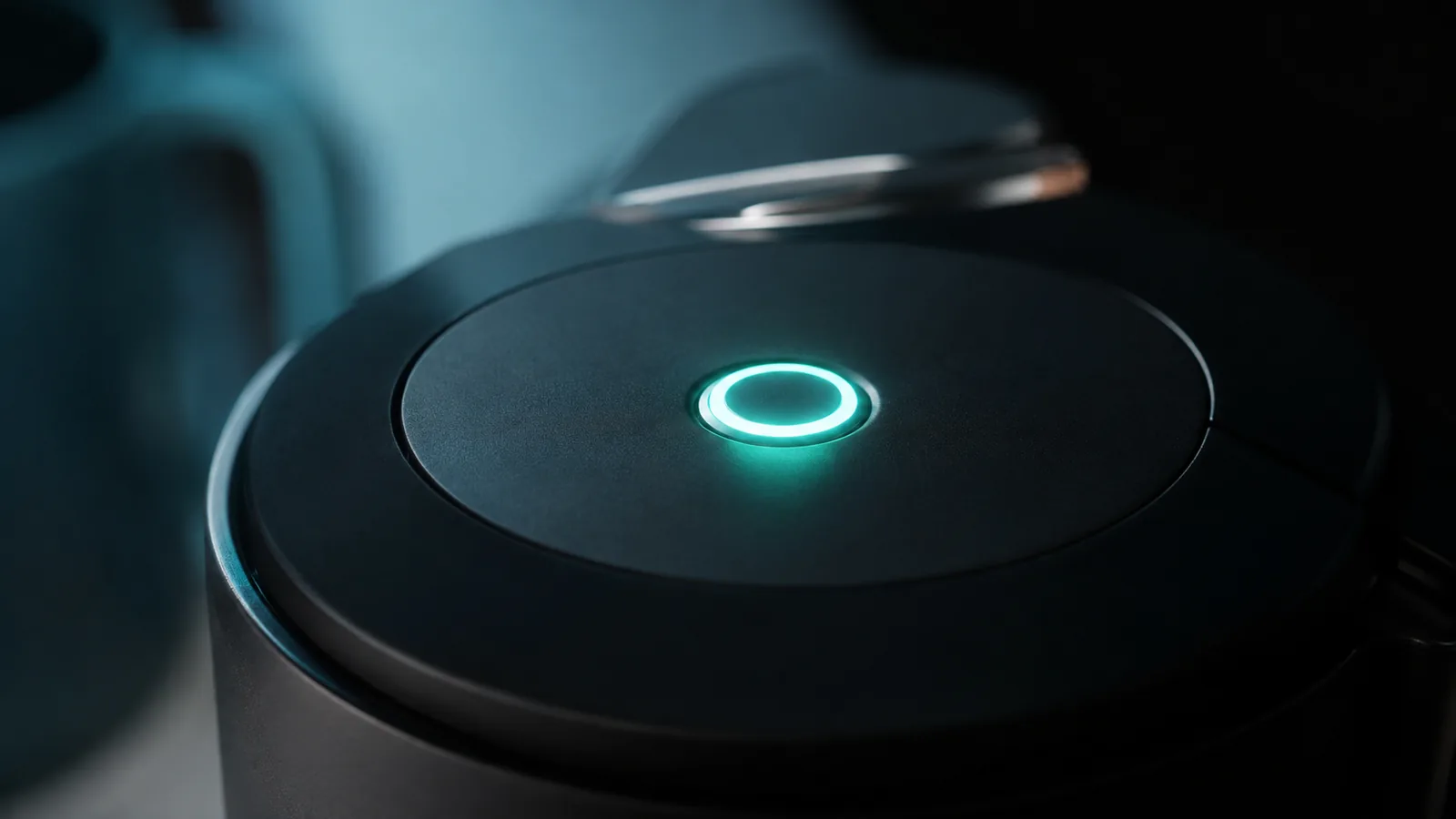
The Vertuo only has one button, so it says everything through how that button lights up — steady, pulsing, or blinking a certain number of times. Once you can read the pattern, the machine stops being mysterious. Here’s the full decoder and the fix for each state.
Quick reference: Vertuo light patterns
| Light pattern | What it means | What to do |
|---|---|---|
| Steady white | Ready to brew | Nothing — go ahead |
| Pulsing/breathing white | Heating up | Wait ~20–30 seconds |
| Blinks 3× on press | Descale due | Run the descaling cycle |
| Rapid continuous blinking | Overheating / needs to settle | Rest 10 min, lock head, retry |
| Light won’t settle / odd flashing | Head not fully locked, or stuck state | Re-lock the head; factory reset |
| Half / steady amber | Descale alert or water issue | Refill tank, descale |
| No light at all | Power issue | See “won’t turn on” |
Blinks 3 times → descale due
Why it happens: The Vertuo tracks how many capsules you’ve brewed and the water you’ve run through it, and flags a descale when scale is likely building up.
The fix: Run the full descaling procedure (descaling solution in the tank, head locked, button held to enter descale mode per the instructions, then a rinse). The alert clears when the cycle completes and is confirmed. If it returns immediately, the cycle wasn’t finished properly — repeat it end to end.
Rapid continuous blinking → overheating or settle
Why it happens: After heavy back-to-back use, or if the machine has been knocked into a protective state, the button blinks fast and refuses to brew until it settles or cools.
The fix: Turn it off, leave it 10 minutes, make sure the head is fully locked, then power on and let it return to steady white. If it still blinks rapidly, do a factory reset (below).
Light won’t settle → head not locked, or a stuck state
Why it happens: The Vertuo won’t brew unless the head/lever is fully locked, and a capsule it can’t read (or no capsule) can leave the light unsettled.
The fix: Open and firmly re-lock the head. Make sure a genuine Vertuo capsule is seated (the machine reads the barcode on the rim). If the light still won’t settle, factory reset.
How to factory reset a Vertuo
This clears most stuck light states:
- Make sure the water tank has water and the head is unlocked (lever left).
- Press the button 5 times within 3 seconds.
- The light flashes to confirm the reset.
- For a deeper reset, also run the empty/clean cycle from the menu.
Steady amber / half light → descale or water
A steady non-white light usually means a descale alert or a water-tank problem. Refill and firmly reseat the tank (a tank that isn’t seated reads as empty), confirm the head is locked, and descale if the alert continues.
No light at all
If nothing lights up, this isn’t a blink code — it’s a power problem. Work through the won’t-turn-on guide, starting with the outlet and the auto-off behaviour.
Repair or replace?
Vertuo light “errors” are almost never a hardware failure — they’re descale reminders, settle/overheat states, or a head that needs locking, all free to clear. Only a machine that stays unresponsive after descaling and a factory reset is a real fault, and given Vertuo prices that’s usually the point to consider a replacement rather than a paid repair.
Stop the lights coming back
- Descale on schedule (every ~300 capsules or 3 months).
- Always lock the head fully and use genuine Vertuo capsules.
- Keep the tank filled and firmly seated.
Free: the Espresso Fix-It Cheat Sheet (PDF)
The 1-page printable that takes any fault to its cause, plus the maintenance schedule that prevents most breakdowns. Straight to your inbox.
By subscribing you agree to receive emails from BaristaFix and to our Privacy Policy. No spam — unsubscribe anytime.Frequently asked questions
What does it mean when my Vertuo blinks 3 times?
Why is my Vertuo button blinking fast and won't brew?
How do I reset a Nespresso Vertuo?
The light is steady orange/half — what now?
Marco spent twelve years servicing espresso machines — first behind the bench at a specialty café group, then running his own repair workshop. He has stripped down, fixed and reassembled everything from a battered Gaggia Classic to high-end Swiss automatics. He writes the fixes here only after reproducing the fault on a real machine, and he'll always tell you when a repair isn't worth the money.