
Breville & Sage Error Codes & CLEAN ME Light Explained
 By Marco R. · Lead repair technician Updated June 18, 2026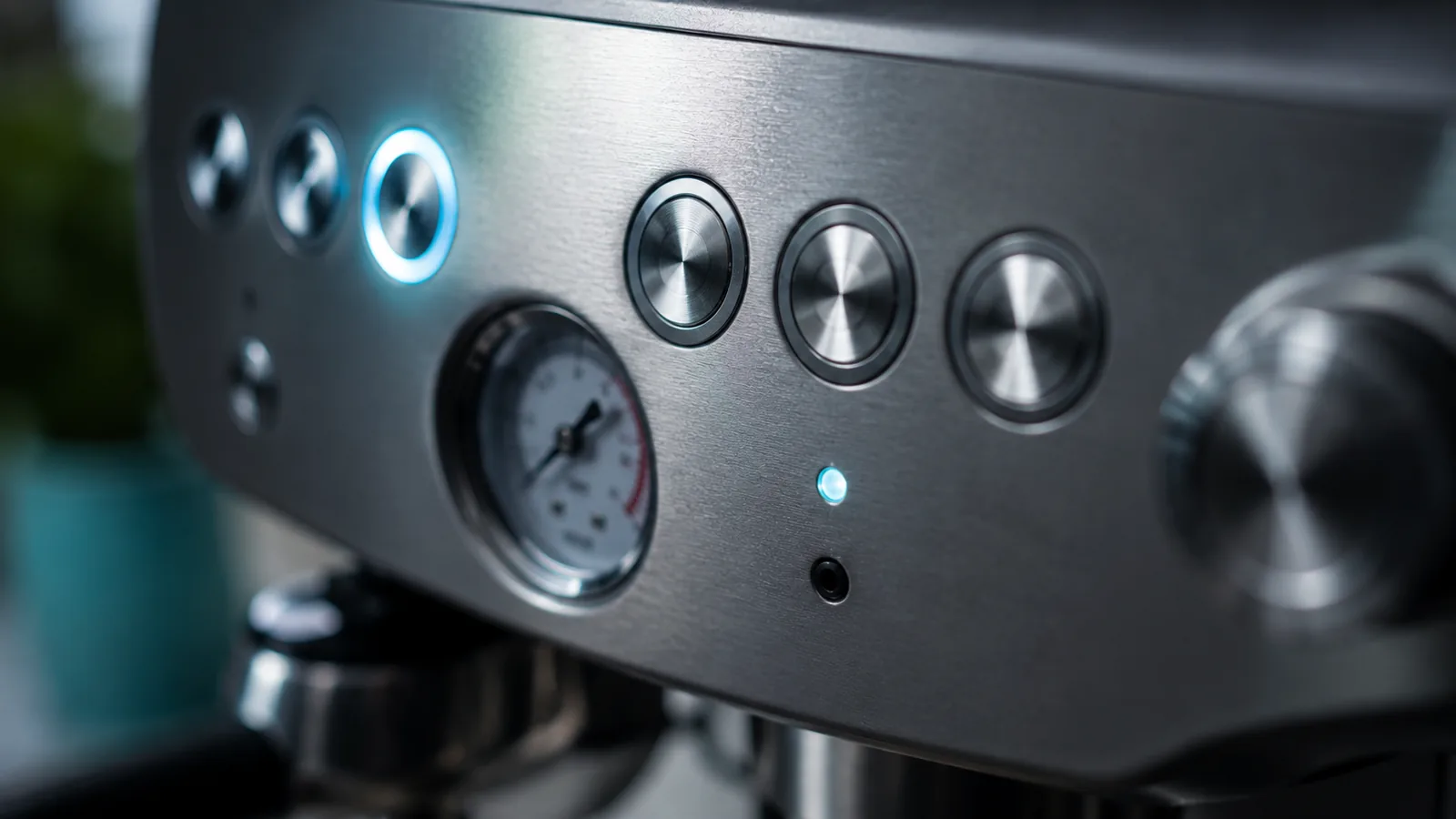
Breville machines (sold as Sage in the UK and Australia) mix a few signal types: the famous CLEAN ME light, button flash patterns, and numbered ER codes on the more advanced models. Most are routine — a clean, a reset, or a descale — and only a persistent ER code points to a real fault. This guide covers the Breville/Sage language across the Barista and Bambino range; for exact steps, see the model guides.
The signal types
| Signal | Means | Do this |
|---|---|---|
| Buttons flash on start-up | Heating | Wait for steady |
| CLEAN ME light | Cleaning cycle due | Run flush with disc + tablet |
| Cup button flashing in a shot | Volume programming | Set the volume |
| All lights flashing | Overheat / fault | Reset (off, unplug 60s) |
| ER code | Detected fault | Reset, then service if it returns |
CLEAN ME: run the flush cycle
The CLEAN ME light counts shots and asks for the machine’s cleaning cycle — a backflush-style flush using the supplied cleaning disc in the portafilter plus a Breville cleaning tablet. It targets coffee oils, not scale, so you still descale separately. Run it when prompted and the light clears. (More on cleaning: cleaning guide.)
All lights flashing / overheating
On start-up, flashing lights are just heating — wait. If they keep flashing and it won’t brew, it’s usually an overheat or fault:
- Turn off and unplug for 60 seconds.
- Make sure the tank is full and seated.
- If it’s been working hard, let it cool first.
- Restart.
ER codes
The advanced models show numbered ER codes when they detect a fault and stop. First step for any ER code is a full reset (off, unplug a minute, seated parts, restart); cool it if it overheated, and descale if due. If a specific code returns, note it and contact Breville/Sage support — it points to a component fault.
Common mistakes
- Treating the start-up flash as a fault.
- Confusing CLEAN ME with descaling — they’re different cycles.
- Skipping the cleaning disc/tablet for the CLEAN ME flush.
- Restarting a hot, overheated machine without letting it cool.
- Ignoring a returning ER code instead of contacting support.
Decode your model
For the full, model-specific steps, see the Barista Express error guide and the Bambino Plus button guide, or browse other brands on the error codes page.
Free: the Espresso Fix-It Cheat Sheet (PDF)
The 1-page printable that takes any fault to its cause, plus the maintenance schedule that prevents most breakdowns. Straight to your inbox.
By subscribing you agree to receive emails from BaristaFix and to our Privacy Policy. No spam — unsubscribe anytime.Frequently asked questions
What does the CLEAN ME light mean on a Breville?
Why are all the lights flashing on my Breville Barista Express?
What do ER codes mean on a Breville / Sage machine?
Why does my Breville flash the filter / single-cup light?
How do I reset a Breville espresso machine?
Marco spent twelve years servicing espresso machines — first behind the bench at a specialty café group, then running his own repair workshop. He has stripped down, fixed and reassembled everything from a battered Gaggia Classic to high-end Swiss automatics. He writes the fixes here only after reproducing the fault on a real machine, and he'll always tell you when a repair isn't worth the money.